What is Domain Authentication
When you use Chargebee's SMTP server to send emails to your customers, you can improve email deliverability and compliance by enabling Chargebee to sign your emails with your DKIM (DomainKeys Identified Mail) signature through the Domain Authentication solution. This helps ensure your emails are DMARC-compliant, reducing the risk of delivery issues and building customer trust.
Why Should You Consider Domain Authentication
Enabling Domain Authentication for Chargebee SMTP is beneficial in the following scenarios:
- Strict or Quarantine DMARC Policy: Your domain's DMARC policy is set to strict or quarantine, and you want to ensure seamless delivery of your emails.
- Regional Hosting in Australia or Europe: Your site is hosted in Australia (AU) or Europe (EU), and you want advanced visibility into the delivery status of your emails. While US-based sites currently receive real-time notifications on delivery statuses such as Delivered, Opened, Dropped, and Bounced, enabling Domain Authentication will allow your AU or EU-hosted site to gain similar insights. Learn more about delivery status updates.
- Enhanced Email Deliverability for 'None' DMARC Policy: Your DMARC policy is set to none, but you want to send authenticated emails to improve deliverability, build credibility, and strengthen customer trust in your communications.
- Compliance with Google/Yahoo Email Regulations: Recent updates to Google or Yahoo's email-sending regulations have impacted your emails, and you need to adapt to ensure continued deliverability and compliance. Learn more about the regulations.
How to Onboard Your Site to Domain Authentication
Onboarding your site to Chargebee's Domain Authentication solution is straightforward. Follow these steps for a smooth setup:
Prerequisites
Before starting the onboarding process, make sure to:
- Remove all sender profiles associated with the chargebee.com domain.
- Remove sender profiles linked to other domains for which you do not have DNS access, since you will be unable to update their DNS settings.
Onboarding Steps
-
Reach Out to Support Contact Chargebee Support to express your interest in onboarding your site to the Domain Authentication solution.
-
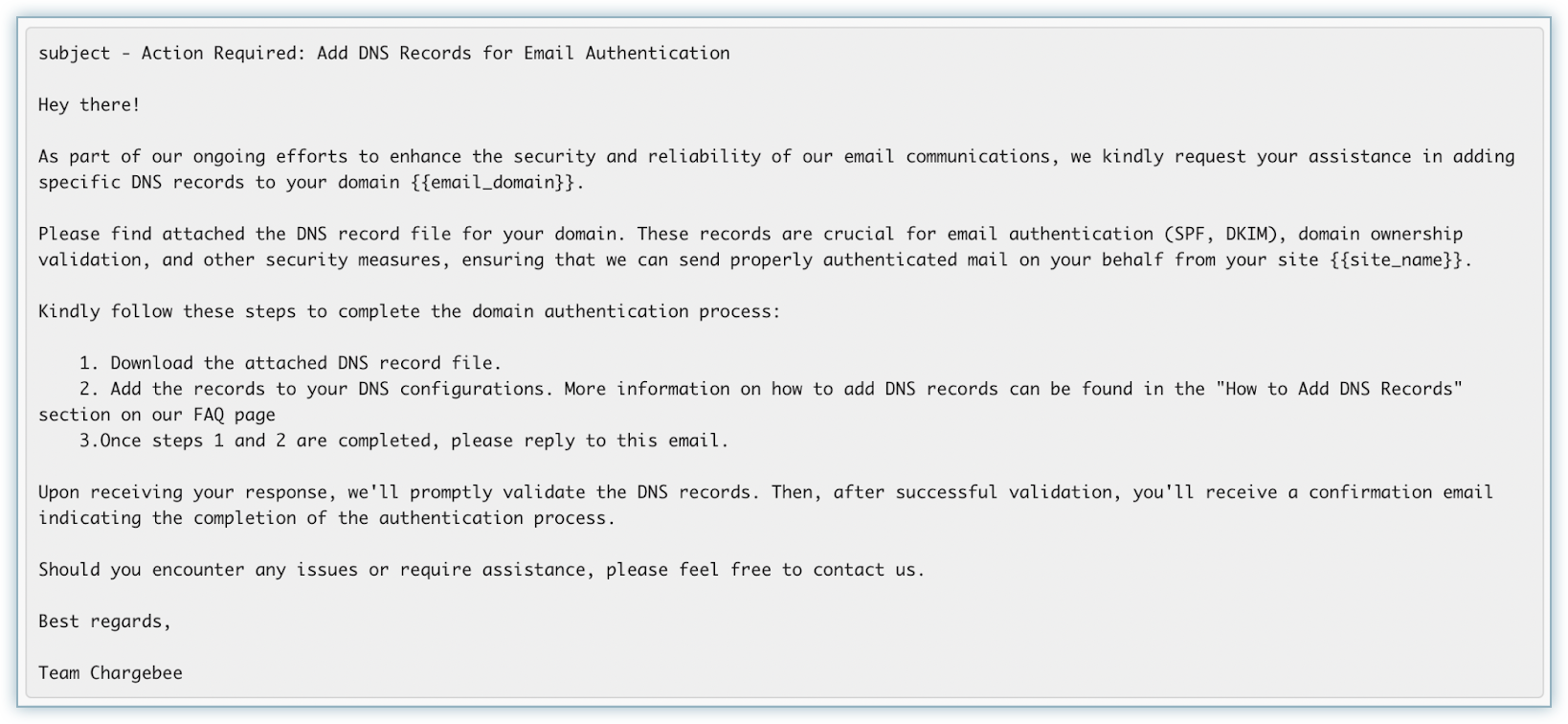
Update DNS Records
-
Verification and Confirmation
-
After updating the DNS records, reply to the email to notify Chargebee.
-
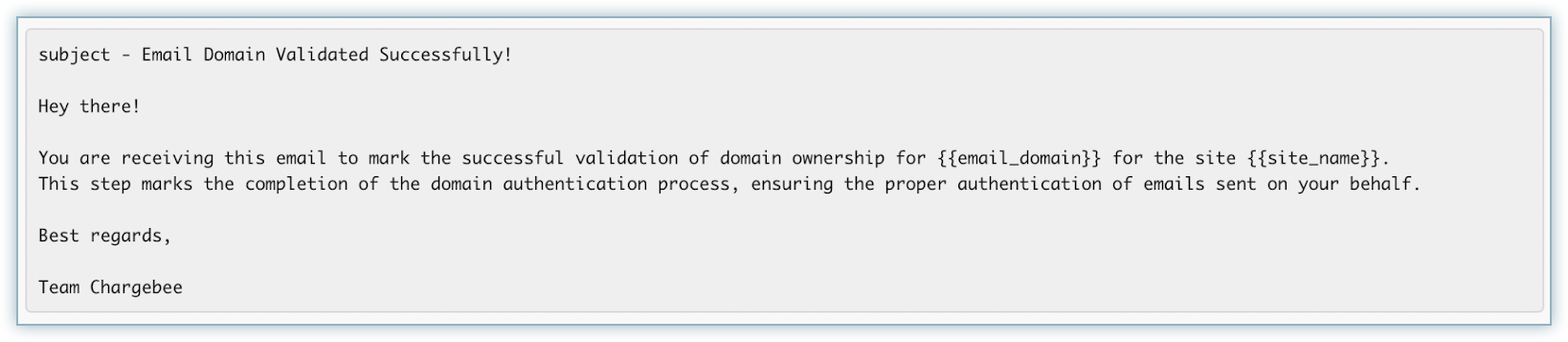
Chargebee will verify the DNS updates. Upon successful verification, you will receive a confirmation email.
Post-Onboarding
After successful onboarding, Chargebee will automatically start signing your emails with your DKIM signature. This completes the process and enhances your email deliverability and compliance.